

Faceit Finder: Track Any CS2 Player in Seconds
If you’re an avid gamer, especially in competitive settings like Faceit, you’re probably always looking for ways to level up your gameplay. We all know the feeling – a few bad matches, a drop in rank, or a frustrating losing streak can make it seem like you’re stuck. But what if there was a way to track your progress, understand your strengths, and pinpoint areas for improvement? That’s where Faceit Finder comes in.
What Is Faceit Finder?
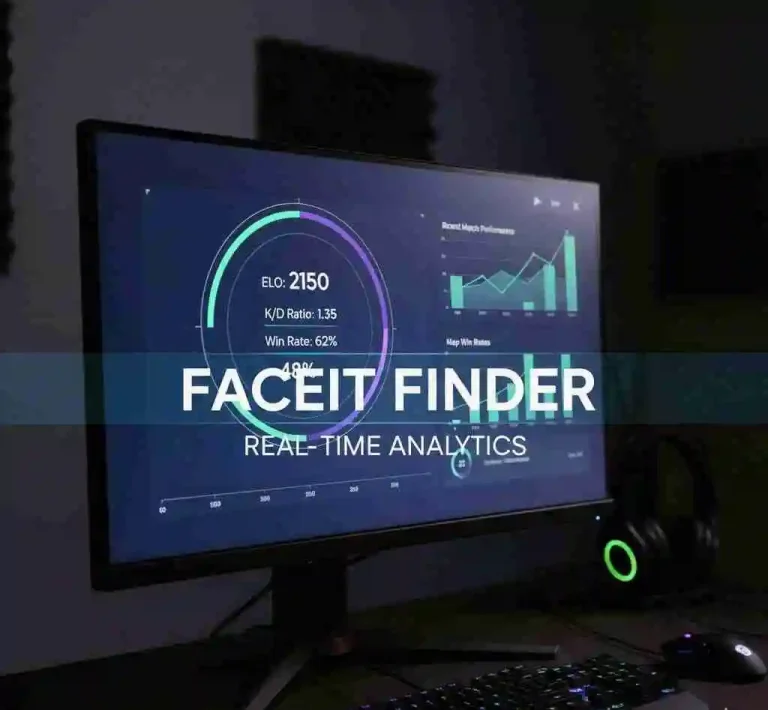
Faceit Finder is a free, no-login lookup tool that retrieves any public FACEIT profile using a Steam ID, Steam URL, or FACEIT username. You type in an identifier and get back a player’s ELO score, FACEIT level, win rate, K/D ratio, headshot percentage, and recent match history in seconds.
FACEIT is the dominant third-party competitive platform for CS2. It runs its own ELO-based ranking system entirely separate from Valve’s built-in Premier matchmaking, and it uses its own anti-cheat layer called FACEIT AC alongside VAC integration to keep games clean. Millions of serious players use FACEIT to escape inconsistent matchmaking and find structured competition. Faceit Finder exists because FACEIT’s own platform does not make it easy to search profiles by Steam ID — and that gap comes up constantly in competitive play.
Features
Features
Multi-Input Search
Search by FACEIT nickname, Steam ID (SteamID64), or full Steam profile URL. The tool automatically links your Steam account to the connected FACEIT profile, so you do not need to know a player’s exact FACEIT username to find them.
But let’s not forget about the Win Rate—one of the most telling metrics for any player. A good win rate indicates that you’re not only skilled, but you’re playing effectively with your team. By tracking this over time, Faceit Finder helps you recognize your winning streaks and figure out what strategies and team compositions work best for you.
Real-Time ELO and Level Tracker
FACEIT uses a numeric ELO rating to assign players to levels 1 through 10. Your ELO rises with wins and falls with losses — it does not improve from individual performance alone. Faceit Finder displays both the current ELO number and the level badge, giving you an instant read on where a player sits competitively.
Another standout feature of Faceit Finder is tracking MVPs. This might sound like a small detail, but trust me, MVP awards are a solid indicator of your impact in a match. How often are you the standout player? Are you getting MVPs consistently, or just flying under the radar? These small metrics build up over time and shape your overall gameplay style which you can then analyze in depth using the Player Comparison Tool Feature.

Detailed Match Stats
View a player’s lifetime K/D ratio, headshot percentage, win rate, and map-specific performance. These numbers are pulled directly from the official FACEIT Open API, so they reflect exactly what FACEIT records — no third-party estimates.
Track Ban Players: Another cool feature Faceit Finder offers is the ability to track banned players. This is a great tool to avoid potential cheaters or toxic players who might ruin your matches. By using Faceit Finder, you’ll be able to easily identify who to avoid, ensuring your competitive experience stays as fair and enjoyable as possible.
5-Match History Viewer
See the last 5 matches including round scores, match result, and individual performance per game. This is useful for spotting whether a player is on a hot streak, a cold run, or performing inconsistently across different maps.
Smurf and Ban Detection
Faceit Finder cross-references Steam account age, match history patterns, and VAC/Overwatch ban records to flag accounts that show smurf indicators. A newly created Steam account with a very high early win rate is one pattern the tool surfaces. These are signals, not definitive verdicts — false positives do occur, and context always matters.