

Top 5 Faceit Finder Features Every Competitive Gamer Should Know
For competitive gamers, every detail matters. A small edge can turn the tide of a match, and that’s why tools like Faceit Finder have become essential for players in CS2 and CSGO. From analyzing opponents to improving your own performance, this tool gives you the insights you need to level up your gameplay.
If you’re new to Faceit Finder—or even if you’ve used it before—you may not realize how many powerful features it offers. Let’s break down the top 5 Faceit Finder features every serious gamer should know.
1.ELO Tracking and Level Progression
Ranking up in Faceit isn’t just about winning; it’s about understanding how the ELO ranking system works. With Faceit Finder’s ELO tracker, you can see how every win or loss impacts your score. From Level 1 (Newbie) at 1–800 points to Level 10 (Legendary) at 2001+, this tool shows exactly where you stand.
Tracking your ELO progression helps you spot trends in your gameplay. Did your rank drop after a losing streak? Or maybe you’re climbing fast because of consistent teamwork? By seeing the numbers, you can adjust your strategy, improve weak areas, and work smarter toward reaching that coveted Level 10 rank.

2. Smurf Detection and Multi-Account Finder
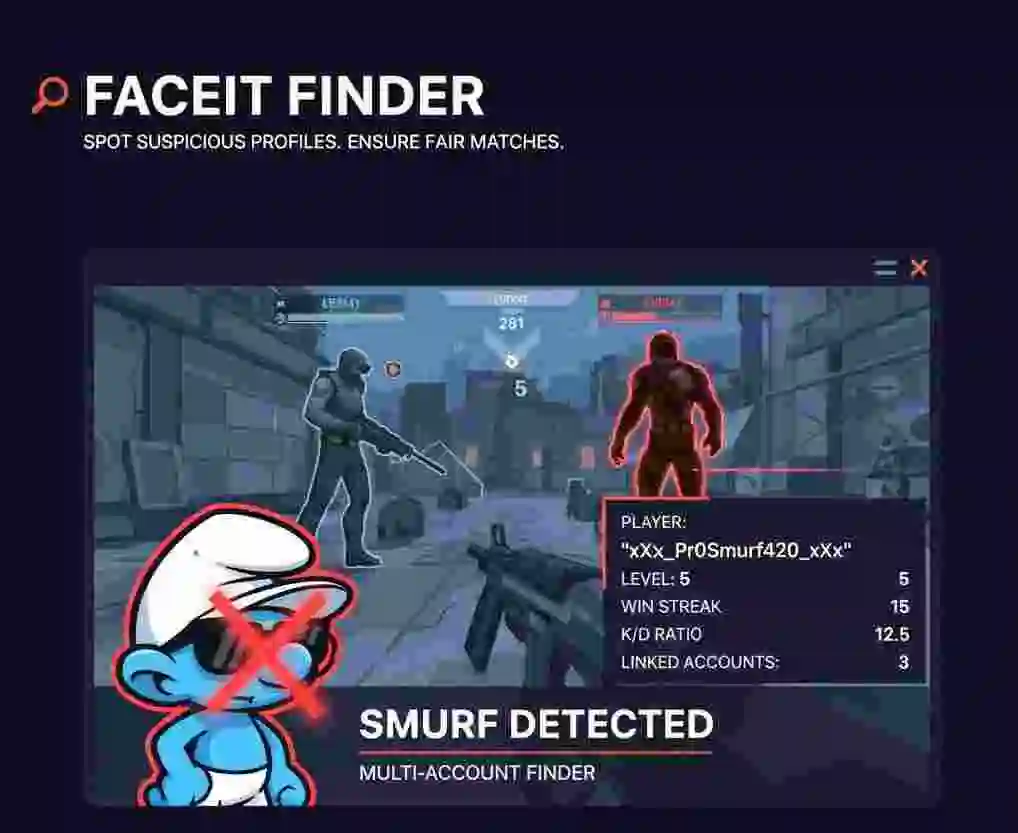
One of the biggest frustrations in competitive play is running into smurfs—experienced players hiding behind low-level accounts. Faceit Finder’s smurf detection tools give you a way to spot suspicious accounts before they spoil the match. By analyzing factors like sudden win streaks, unusual kill-to-death ratios, or multiple linked accounts, this feature helps you know exactly who you’re up against. For competitive players, this means fairer games, more balanced matchmaking, and fewer unpleasant surprises that can ruin the fun.
If you’ve ever lost to someone who clearly “played like a pro” while claiming to be new, you’ll understand how frustrating that feels. Smurf detection gives players peace of mind by exposing unfair behavior and keeping the competitive environment more honest. With this feature, you can enter matches with confidence, focus on improving your skills, and enjoy the game without constantly worrying about opponents who are pretending to be beginners.
3.Player Comparison Tool
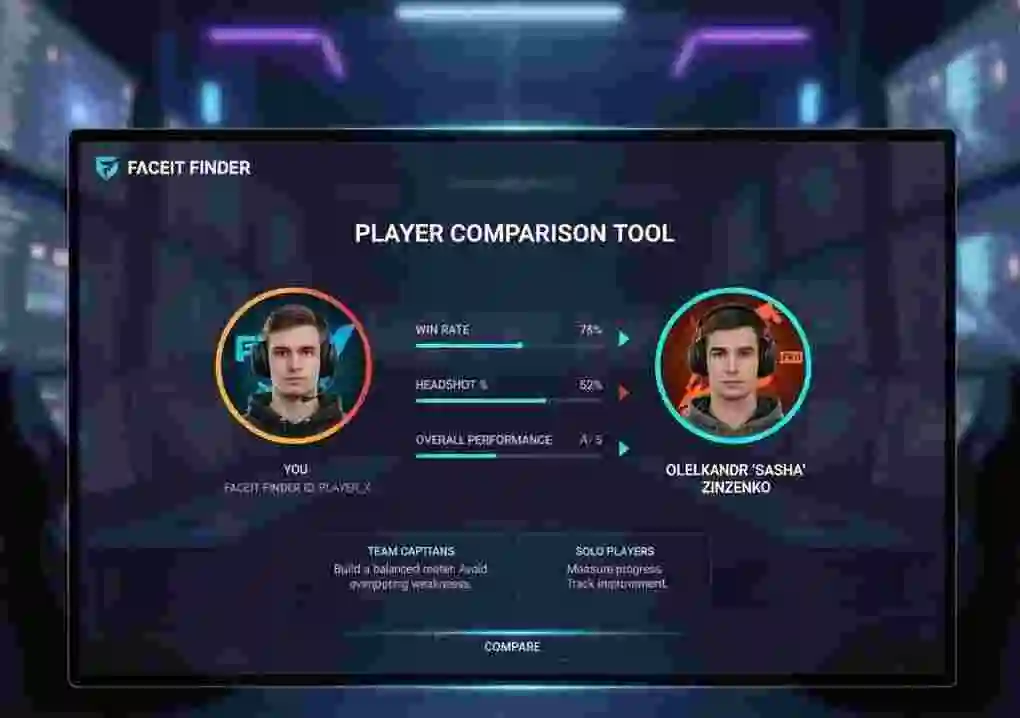
Sometimes the best way to improve is by looking at others and learning from their strengths. Faceit Finder’s player comparison tool allows you to stack your stats against a teammate, opponent, or even a professional player. You can compare win rates, headshot percentages, kill-to-death ratios, or overall performance to see exactly where you shine and where you need more work. This feature gives you a clear picture of how your style stacks up in real matches, rather than relying only on your own impression. For ambitious players, this tool can serve as motivation, showing how close you are to reaching the level of more experienced gamers and what steps you need to take to improve.
For team captains and competitive squads, this is especially useful. By comparing potential teammates, you can build a roster with balanced skills and avoid overlapping weaknesses. For solo players, it’s also a way to measure progress over time.
v
4.Trust Factor and Ban Tracking
Competitive gaming is about more than just skill—it’s about reputation and fairness. Faceit Finder’s Trust Factor feature assigns players a score from 0 to 3, based on their history, consistency, and potential risk of cheating or toxicity. This quick rating makes it easier to spot trustworthy teammates and avoid players with suspicious behavior. It’s a small detail, but it can save you from a lot of wasted games and frustration.
Alongside this, the ban tracking tool allows you to see if a player has been flagged for smurfing, cheating, or toxic behavior. This gives you peace of mind before teaming up with someone new. Think of it as a background check for competitive gaming—one that can save you from a frustrating match.

5.Steam Profile Lookup and Real-Time Stats
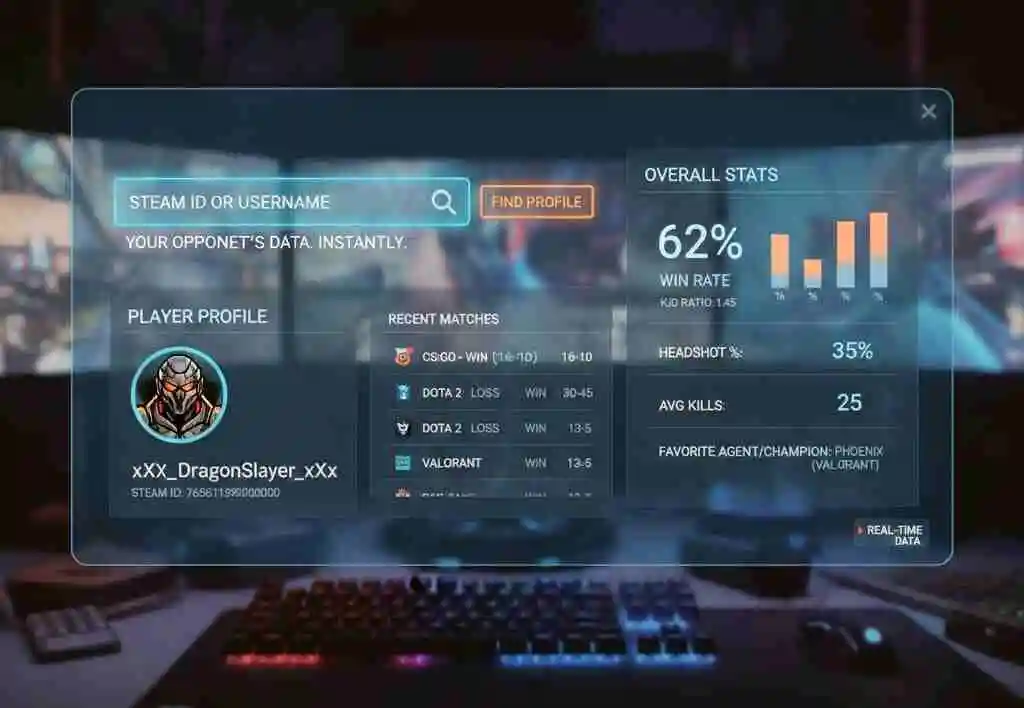
Sometimes all you have is a Steam ID or username. With Faceit Finder, that’s enough. The Steam profile lookup feature connects directly to public data, letting you see a player’s Faceit profile, recent matches, and overall stats in seconds. It’s quick, reliable, and perfect for checking someone’s background before heading into a match. This way, you can prepare better and avoid unnecessary surprises during competitive play.
Better yet, Faceit Finder provides real-time stats, so the data you see is always fresh. This is perfect for preparing before a match—you can quickly check your opponent’s recent form, identify their strengths, and adapt your strategy on the spot. Having up-to-date information means you’re not relying on outdated numbers or old performance records. It gives you an edge in making smarter decisions, whether you’re playing casually or in a serious tournament. With real-time insights, you walk into every game feeling more prepared and confident.
Why These Features Matter
Why These Features MatterIn CS2 and CSGO, small decisions can make or break your climb through the ranks. Tools like ELO tracking, smurf detection, player comparison, and trust factor scoring help you play smarter, not just harder. Instead of guessing, you’re making data-driven decisions about your gameplay and your opponents.
Whether you’re grinding for Level 10, scouting for a tournament, or simply trying to Improve your Faceit rank ,Faceit Finder gives you the clarity you need to succeed.
Final Thoughts
Competitive gaming is about preparation, awareness, and constant improvement. With Faceit Finder, you’re no longer playing blind. You’re tracking your journey, analyzing your opponents, and giving yourself every possible advantage.
If you haven’t tried these features yet, now’s the time. Start using Faceit Finder today and see how much smarter—and more enjoyable—your matches can become.